Making room for a keyboard, a mouse and everything else that ends up on a desk.
Choose which part of the desk needs fixing
A desk mat changes the surface under a keyboard and mouse. A monitor arm changes where the screen and its support sit. Neither automatically solves a shortage of writing space.
Keep the notebook, lamp and normal cables in place while trying an outline. The useful comparison is between complete working arrangements rather than isolated product dimensions.
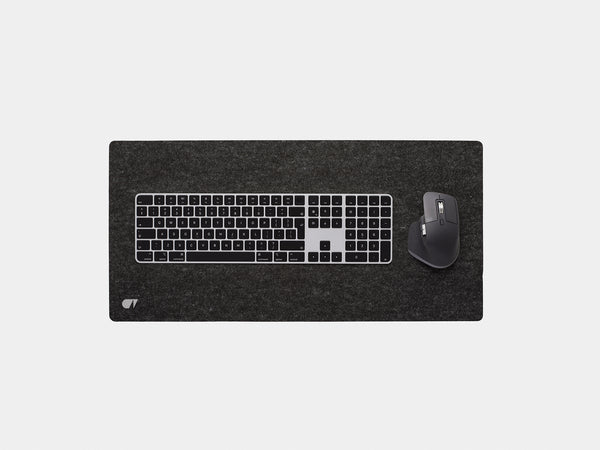
The 620 mm-wide Oakywood is the smallest of these three. It suits a layout where the mat needs to stop short of a notebook or other permanent work area. Its felt-and-cork construction also gives you a different material option from the fabric and PU alternatives. Check your actual keyboard before choosing it: reducing mat width reduces the strip available for the mouse.
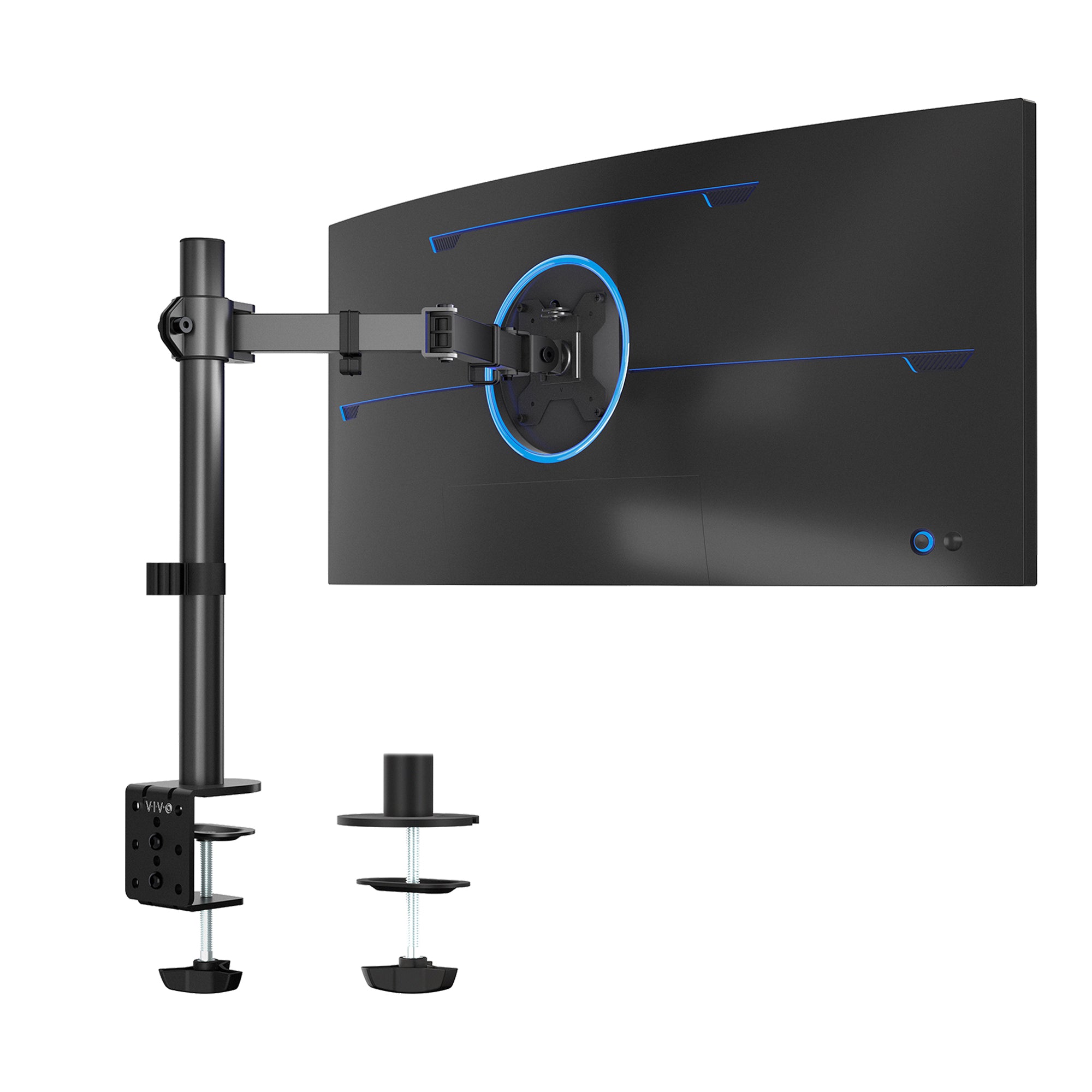
If you mainly set the screen once and leave it there, VIVO’s pole design is worth comparing with a spring arm. It supports up to 22 lb and includes clamp and grommet hardware. Its manual shows a 10–85 mm clamp range, while the listing caps desk thickness at 3.25 inches. Do not assume the larger manual figure settles a close fit; ask VIVO about the exact supplied revision.
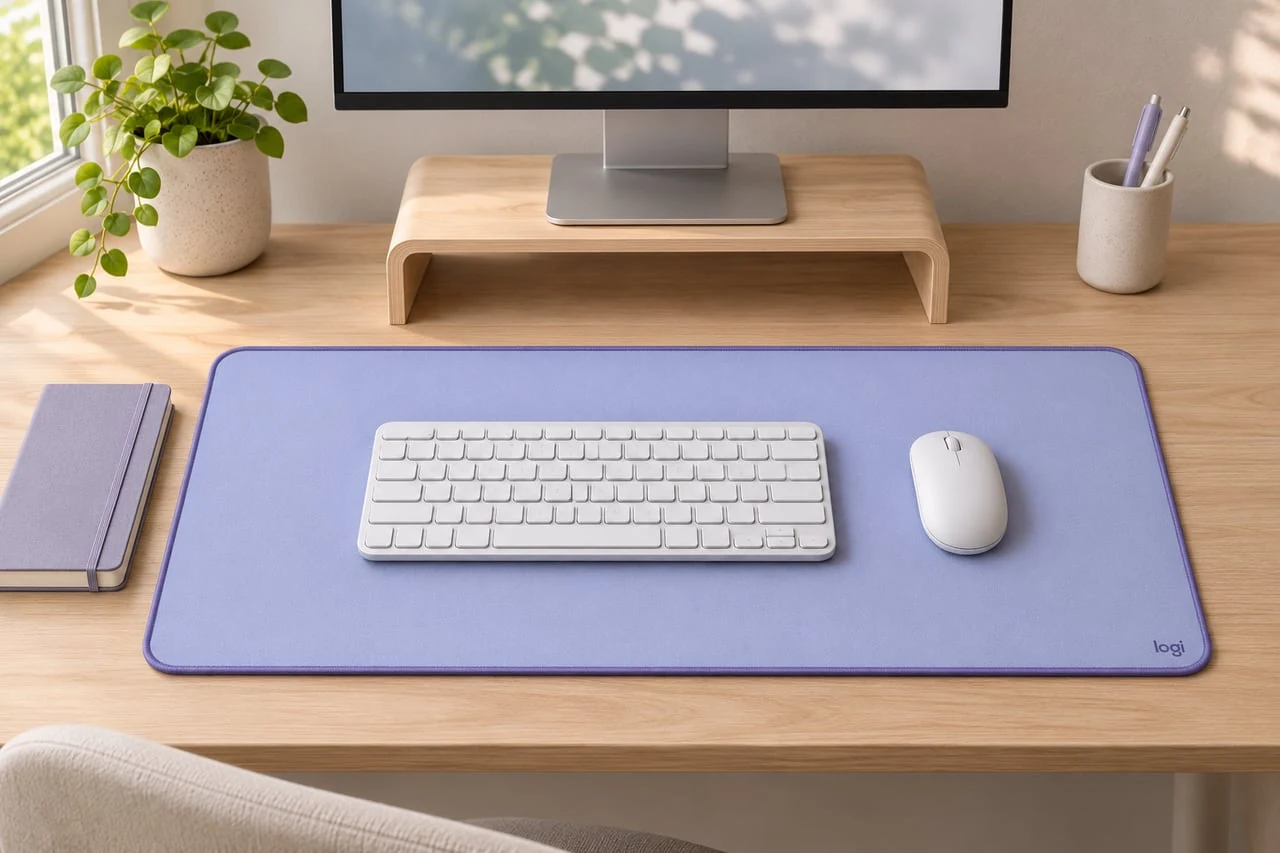
Compare Oakywood Medium with Logitech Studio Series before adding anything else. They share a 300 mm depth, while the narrower Oakywood leaves more desk exposed beside it. Lay out your open notebook and keyboard together. If moving the keyboard once makes room for writing, you may not need a larger accessory or another storage shelf.