
Cricut Joy 2 vs. Joy Xtra vs. Silhouette Portrait 4
Compare three compact cutters by body size and mat cutting area, then leave space for the material to move.
Machine body versus cutting area
Scroll sideways to compare.
| Compare | 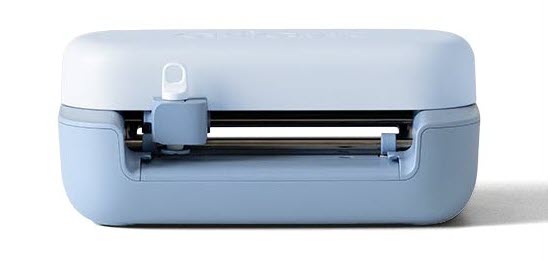 Cricut Joy 2, Blue | 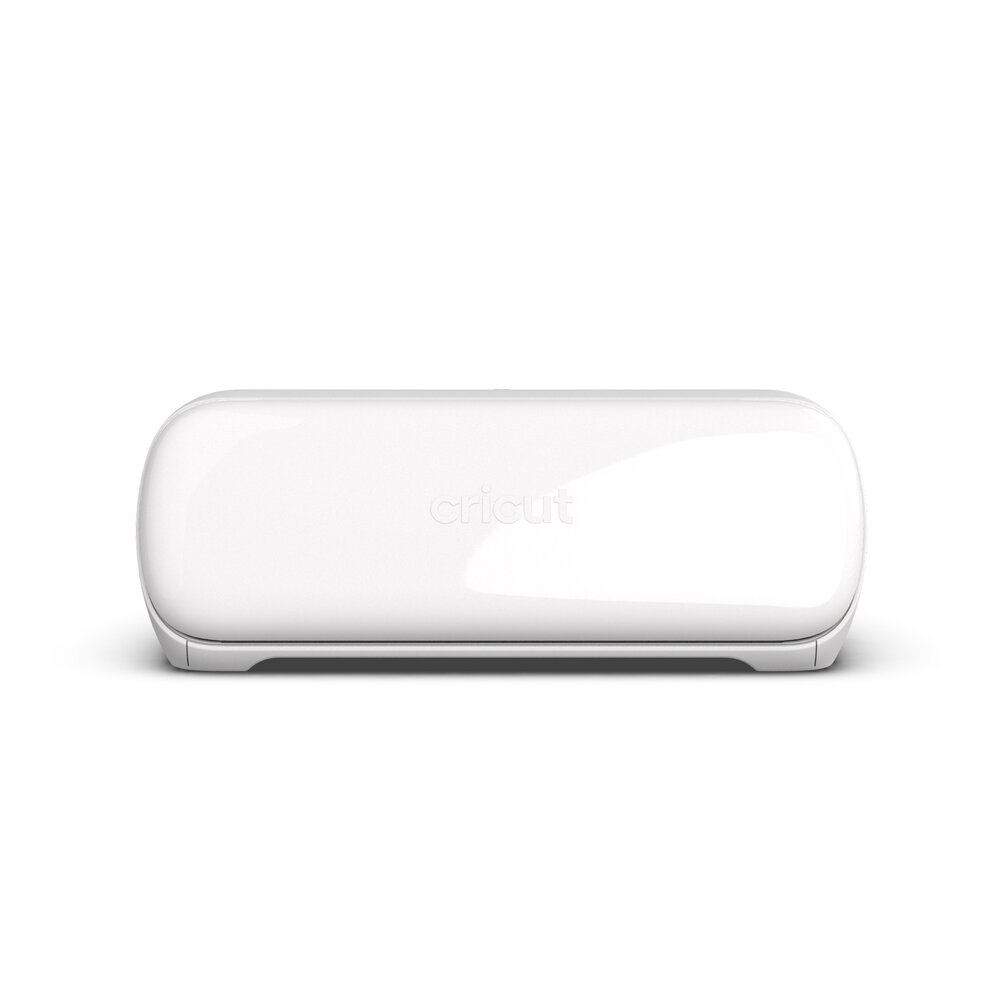 Cricut Joy Xtra cutting machine | 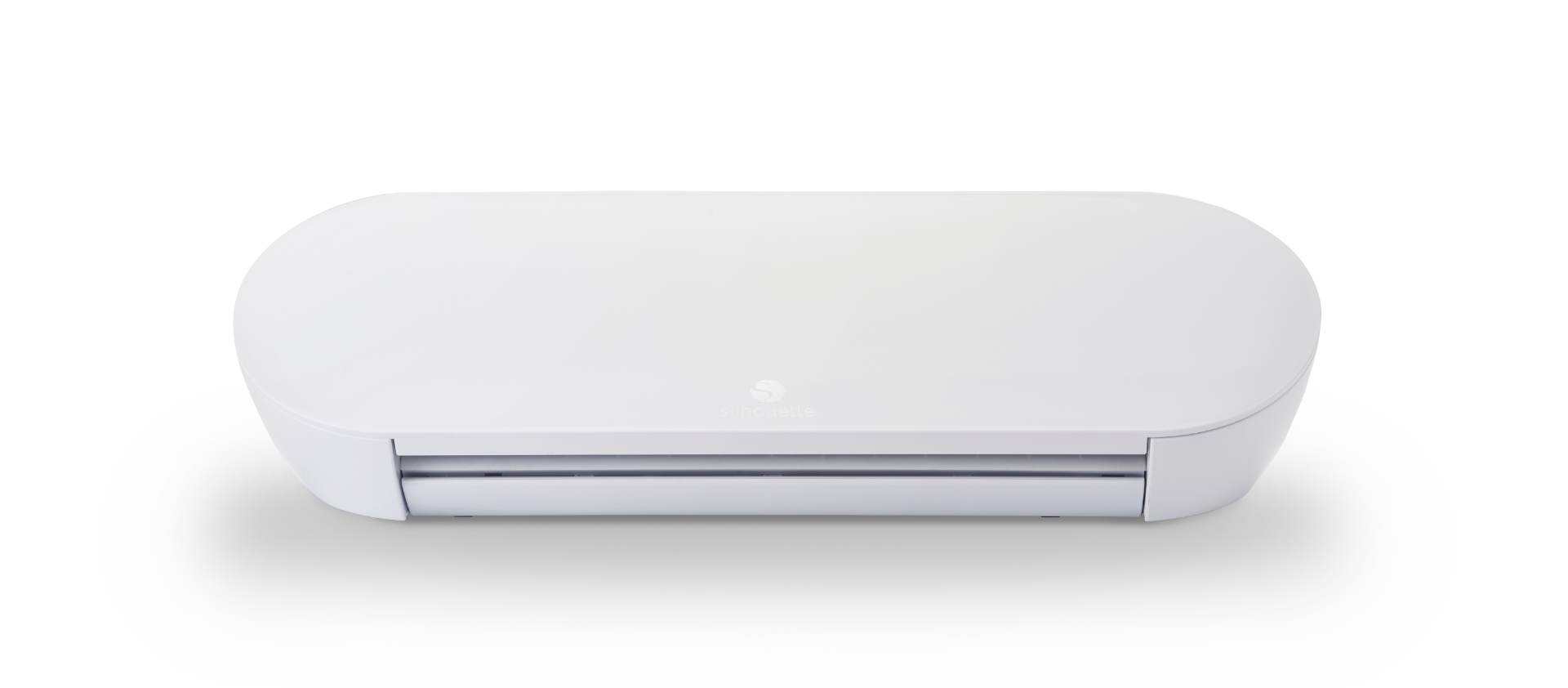 Silhouette Portrait 4 |
|---|---|---|---|
| Machine size (in) | 9.11 × 5.43 × 2.74 | 12.48 × 4.46 × 5.87 | 17.32 × 6.42 × 4.88 |
| Maximum ordinary mat cut (in) | 4.25 × 11.75 with long mat | 8.25 × 11.75 | 8.5 × 12 |
| Size tradeoff | Smallest body; narrowest cuts | Wider cuts in a narrower body than Portrait 4 | Largest mat cutting area of these three |
Try a full-size paper template
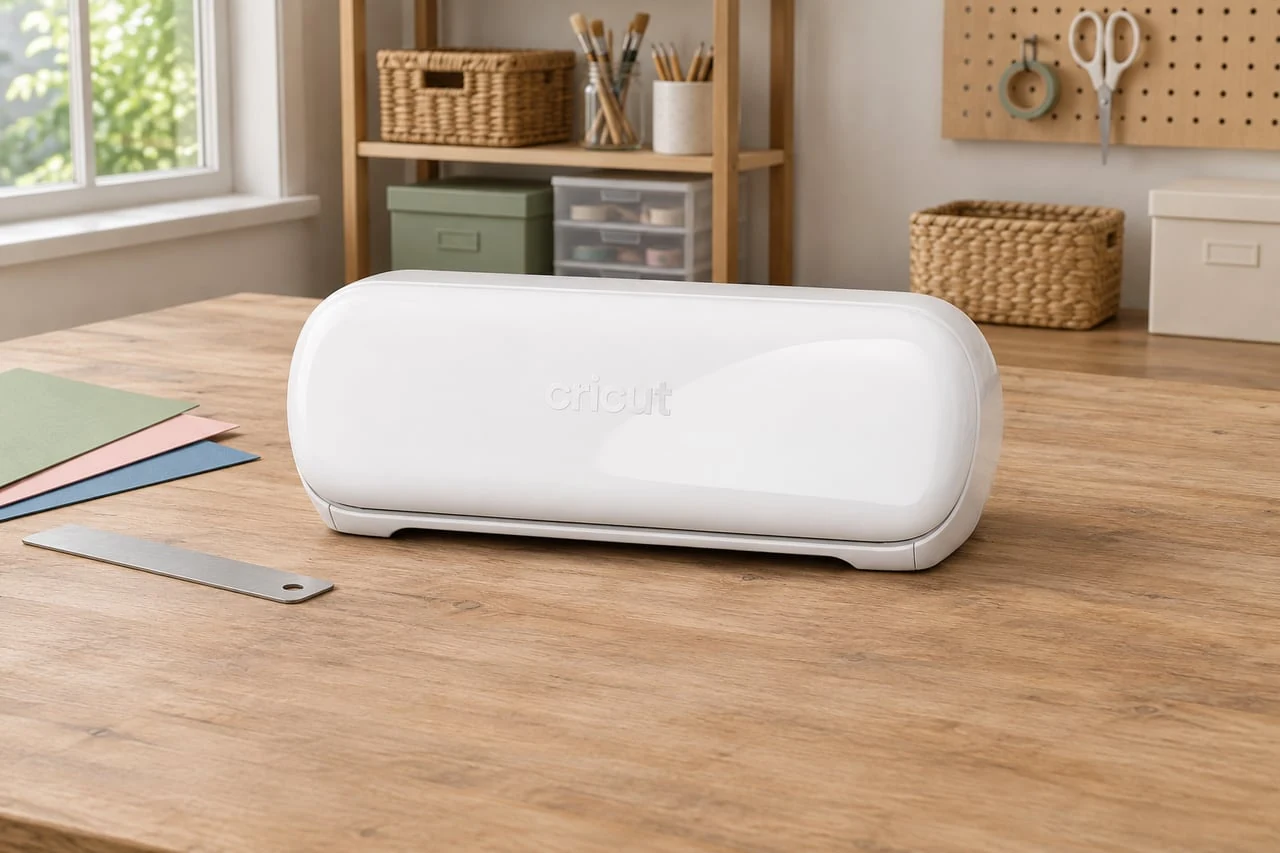
Cut a paper rectangle for the machine body and place the actual mat beside it. Move the mat along its intended feed route while leaving the wall, shelf supports and neighboring boxes in place. You can then see whether the problem is machine width, material travel or cable access. That distinction helps decide whether a smaller cutter will actually solve it.
Start with the width of the project
Joy 2 is the smallest body here, but its long-mat cut width is only 4.25 inches in Cricut’s quick-start guide. That makes a real difference for a wide card front or a single large decal. Joy Xtra gives 8.25 inches of mat cutting width; Portrait 4 lists 8.5 inches. These are ordinary mat cutting areas; printed registration marks can reduce the area available for print-and-cut projects.
Then look at the machine on the table
Joy Xtra is 4.84 inches narrower than Portrait 4, based on their listed unit widths, while Portrait 4 has a slightly larger mat cutting area. Joy 2 takes the least width and height of the three. If your work mostly involves narrow labels and small shapes, the extra cutting width of the larger machines may not be worth the space to you.
The mat needs a route through the machine
Leave the feeding path clear in front and behind each machine. The body depth in the table is not a required operating-clearance figure, and the labeled mat area is not its complete outer size. Lay out the actual mat, power lead and the materials you expect to use before adding storage boxes beside the cutter. For long matless jobs, plan around the full material length and the model’s feeding instructions.
Sources
- Cricut Joy 2 Blue, item 2012138Checked November 15, 2026
- Cricut Joy 2 Quick Start GuideChecked November 15, 2026
- Cricut Joy Xtra Quick Start GuideChecked November 15, 2026
- Cricut Joy Xtra, item 2010313Checked November 15, 2026
- Silhouette Portrait 4: machine and technical specificationsChecked November 15, 2026