
Ergotron, VIVO and HUANUO monitor arms compared
Ergotron LX, VIVO STAND-V001 and HUANUO HNSS6 have different weight ranges, adjustment styles and desktop requirements.
Exact models and mounting limits
Scroll sideways to compare.
| Compare | 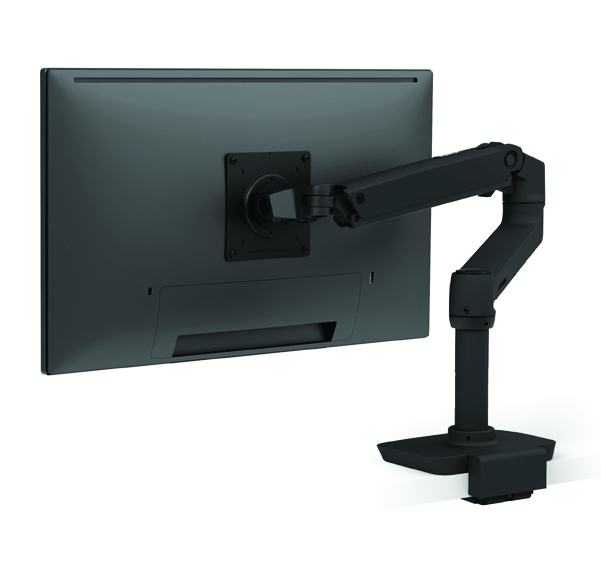 Ergotron LX Desk Monitor Arm, matte black | 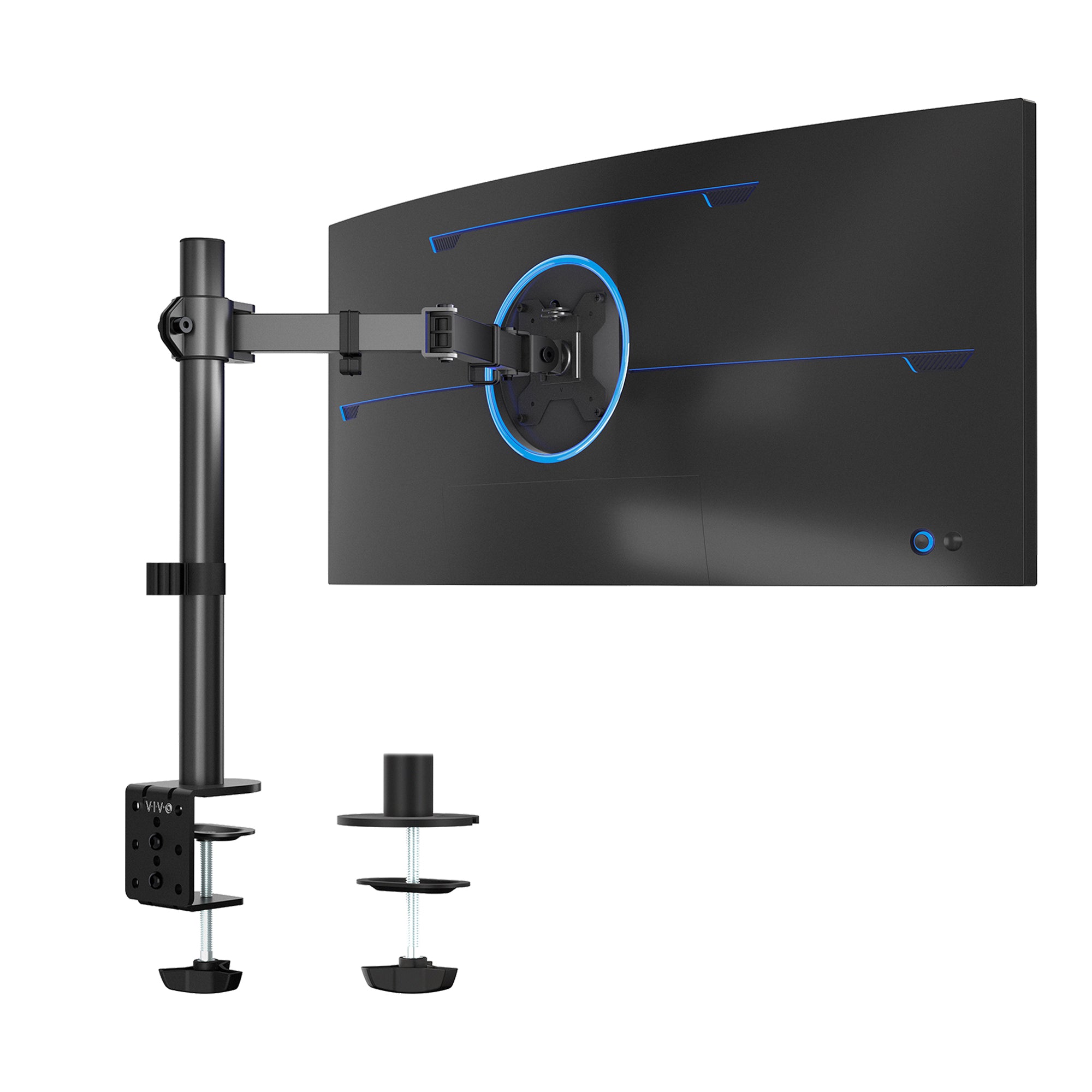 VIVO STAND-V001 Single Monitor Desk Mount, Black | 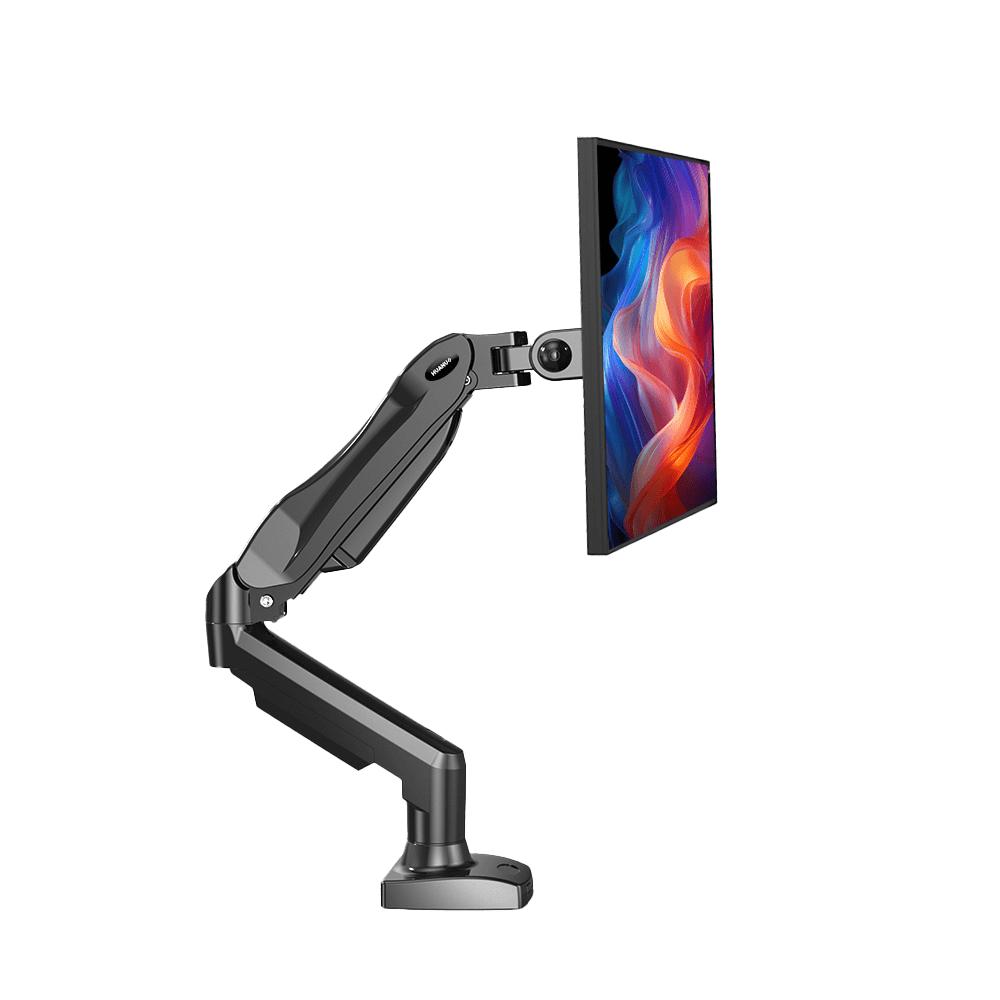 HUANUO HNSS6 Single Monitor Mount, Black |
|---|---|---|---|
| Monitor weight | 7–25 lb | Up to 22 lb | 4.4–19.8 lb |
| Desktop thickness | 10–60 mm; standard 2-piece clamp | Rev3.1: 10–85 mm; listing max 3.25 in | Rev06: 15–90 mm |
| Adjustment style | Constant Force arm; 13 in lift | Height set on a 17 in pole | Spring-assisted articulated arm |
Write down the monitor without its stand
Keep the screen model, weight without the original stand, VESA pattern and mounting recess together. Then record desktop thickness and the underside clearance at the proposed clamp position. This separates the screen-to-arm check from the arm-to-desk check. A model that passes one can still fail the other, especially near a stated minimum weight or a deep desk apron.
- Small-desk choices: a narrower mat, a wider mat, or a monitor arm?
- Three desk mats: compact felt, fabric, or a wider PU surface
Sources for these notes
- Ergotron: LX desk attachment options
- Ergotron LX Desk Monitor Arm, 45-241-224
- Ergotron LX Desk Monitor Arm product sheet
- VIVO: STAND-V001 single monitor desk mount
- VIVO: STAND-V001/STAND-V001W assembly manual Rev3.1, January 17 2025
- HUANUO: HNSS6 single monitor mount, current manufacturer listing
- HUANUO: HNSS6/HNSS6W installation manual Rev06, March 15 2024
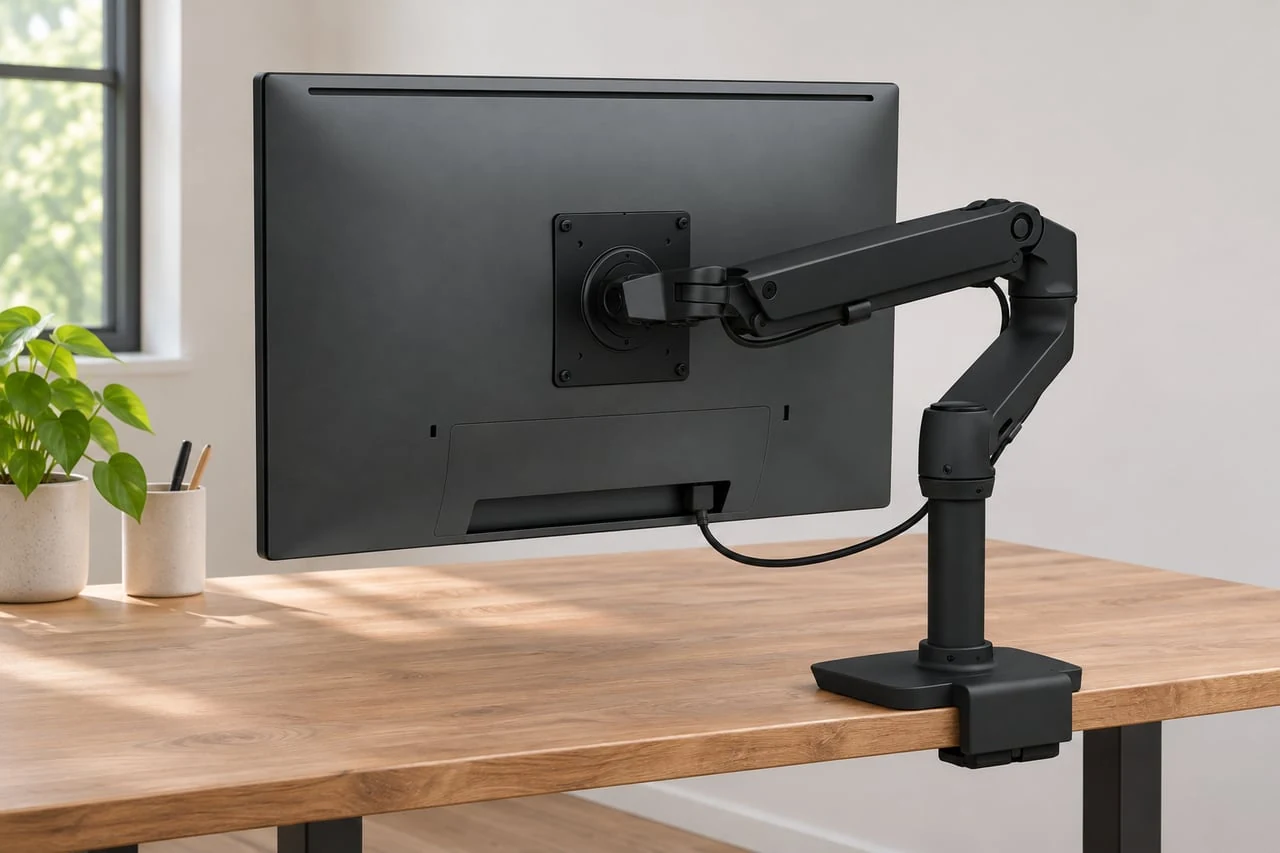
VIVO STAND-V001: a pole for a mostly fixed setup
If you mainly set the screen once and leave it there, VIVO’s pole design is worth comparing with a spring arm. It supports up to 22 lb and includes clamp and grommet hardware. Its manual shows a 10–85 mm clamp range, while the listing caps desk thickness at 3.25 inches. Do not assume the larger manual figure settles a close fit; ask VIVO about the exact supplied revision.
HUANUO HNSS6: check the minimum as well as the maximum
The HNSS6 is the spring-assisted alternative here with a 4.4–19.8 lb listed range. A very light screen can fall below that range even when its diagonal size looks suitable. The linked Rev06 manual specifies 15–90 mm desktop thickness for either attachment method. All three arms use 75 × 75 or 100 × 100 mm VESA patterns, so check the monitor’s mounting holes too.
Ergotron LX: the higher-load alternative
The exact matte-black LX here is 45-241-224 with the standard 2-piece clamp. Its 7–25 lb range reaches above the other two arms, and the product sheet specifies 13 inches of lift. Its 10–60 mm desktop range is narrower, however. A heavier monitor is not a reason to overlook a desktop that cannot accept the included clamp.
Make one check underneath the desk
Look for an apron, drawer runner or cable tray at the intended mounting point. The clamp pad and tightening screw need unobstructed access, and the arm needs room through its planned positions. Confirm the desk maker permits the load and attachment. A matching thickness and VESA pattern do not establish the desk’s structural suitability.
Sources
- Ergotron: LX desk attachment optionsChecked November 15, 2026
- Ergotron LX Desk Monitor Arm product sheetChecked November 15, 2026
- Ergotron LX Desk Monitor Arm, 45-241-224Checked November 15, 2026
- VIVO: STAND-V001 single monitor desk mountChecked November 15, 2026
- VIVO: STAND-V001/STAND-V001W assembly manual Rev3.1, January 17 2025Checked November 15, 2026
- HUANUO: HNSS6 single monitor mount, current manufacturer listingChecked November 15, 2026
- HUANUO: HNSS6/HNSS6W installation manual Rev06, March 15 2024Checked November 15, 2026