
Oakywood vs. Logitech vs. Orbitkey desk mats
Compare Oakywood Medium, Logitech Studio Series and Orbitkey Large by footprint, material and the room left for your mouse.
Desk mat sizes at a glance
Scroll sideways to compare.
| Compare | 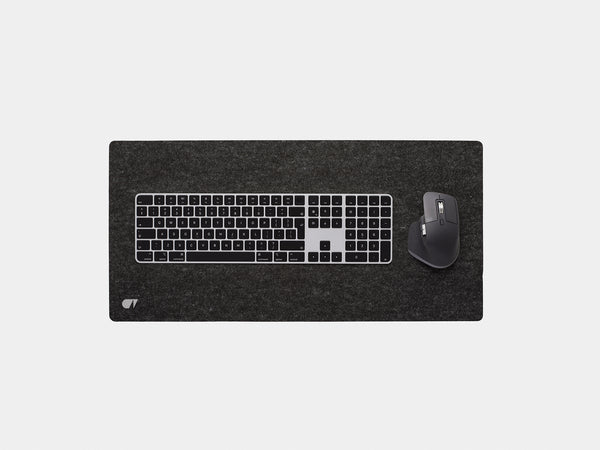 Oakywood Felt&Cork Desk Mat, Medium, Anthracite |  Logitech Desk Mat Studio Series | 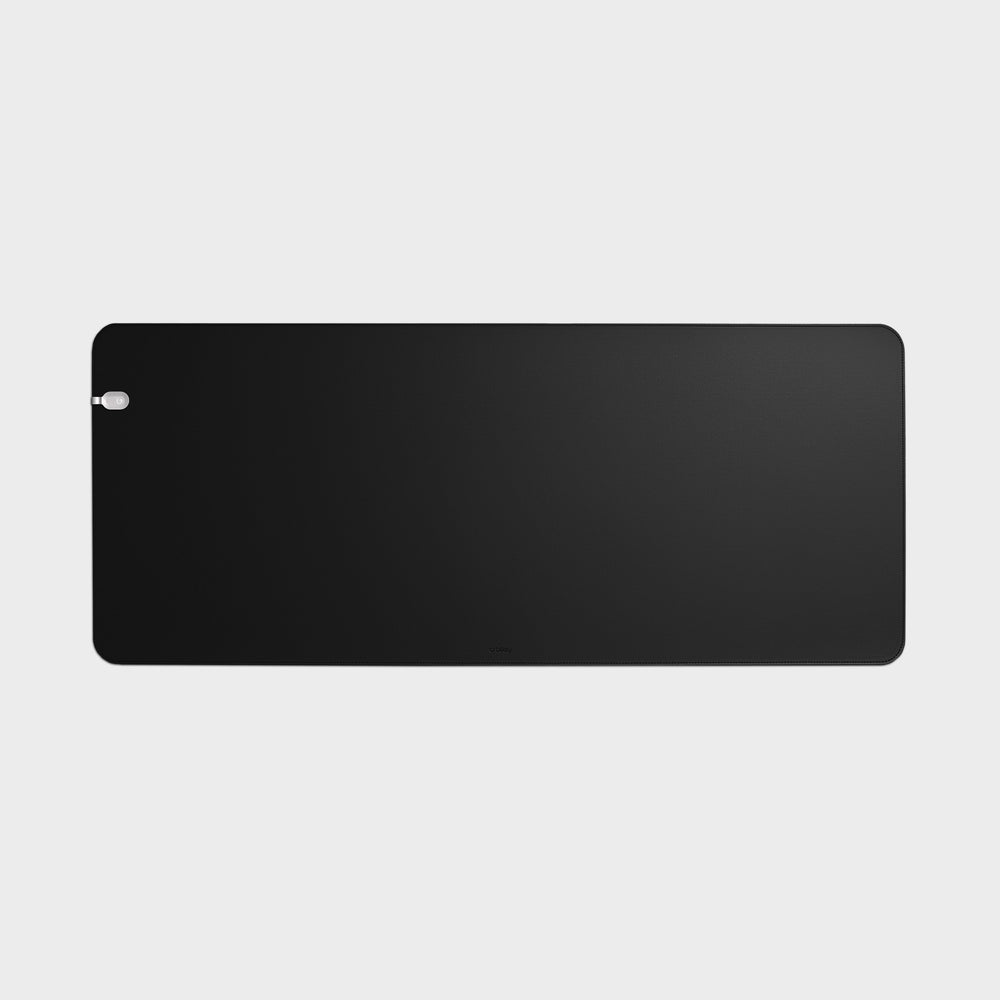 Orbitkey Desk Mat, Large, Black |
|---|---|---|---|
| Footprint | 620 × 300 mm | 700 × 300 mm | 900 × 380 mm |
| Surface | Merino felt / cork | Fabric / rubber | PU / rubber |
| Main tradeoff | Narrowest option; less room beside a full-size keyboard | 80 mm more width than Oakywood, same depth | Most coverage; takes more writing space |
Try the outline during a normal task
Leave the paper outline in place for a short typing or writing session. Watch where the mouse travels, where your forearms rest and whether the notebook crosses the edge. A mat can be the right overall size while putting an edge exactly where you do not want one. Shift the outline before deciding that a larger size is necessary.
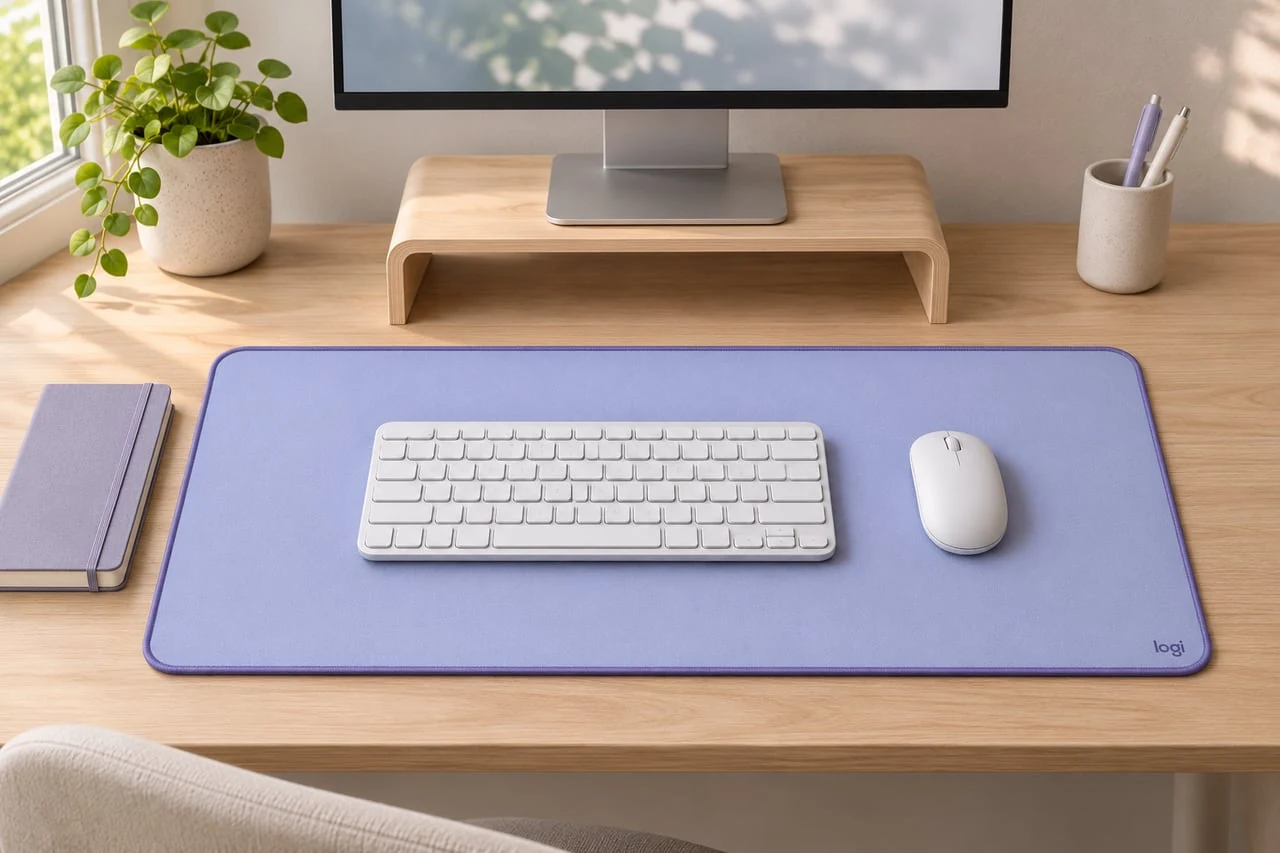
Oakywood Medium: keep more desk uncovered
The 620 mm-wide Oakywood is the smallest of these three. It suits a layout where the mat needs to stop short of a notebook or other permanent work area. Its felt-and-cork construction also gives you a different material option from the fabric and PU alternatives. Check your actual keyboard before choosing it: reducing mat width reduces the strip available for the mouse.
Logitech Studio Series: the middle footprint
Logitech’s 700 × 300 mm mat adds 80 mm of width without taking more front-to-back space than Oakywood. With a hypothetical 440 mm keyboard and a 20 mm gap, those two mats leave 240 mm and 160 mm respectively beside the keyboard. These are layout calculations, not tested mouse-clearance recommendations.
Orbitkey Large: room for wider movements
Orbitkey Large extends to 900 × 380 mm. Pick it when the wider rectangle solves a specific shortage of room, and the desk can spare its extra depth. It uses a PU surface over rubber and includes a cable clip. Be careful to select the current Large Desk Mat rather than the smaller Standard or differently sized Pro.
Choose with three outlines
Mark all three rectangles on the desk with paper, then place your keyboard, wrist rest and mouse where you normally use them. Leave the monitor and writing tools in place. Buy the smallest outline that accommodates your actual movements and preferred surface; the largest mat is not automatically the most useful.
Sources
- Oakywood: Felt&Cork Desk Mat sizes and materialsChecked November 15, 2026
- Logitech: Studio Series desk mat dimensionsChecked November 15, 2026
- Logitech: Studio Series desk mat US product listingChecked November 15, 2026
- Orbitkey: current Desk Mat, Standard and Large specificationsChecked November 15, 2026