
Desk mats and monitor arms for small desks
Six real accessories compared by the problem they solve, so you can add the useful one rather than filling every corner.
Start with the space problem
Scroll sideways to compare.
| Compare | 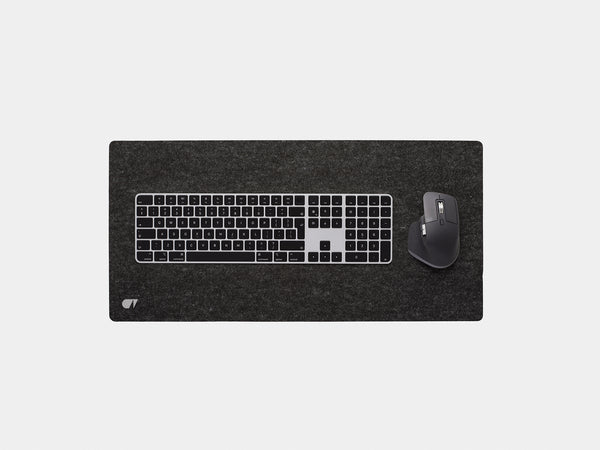 Oakywood Felt&Cork Desk Mat, Medium, Anthracite |  Logitech Desk Mat Studio Series |  Orbitkey Desk Mat, Large, Black | 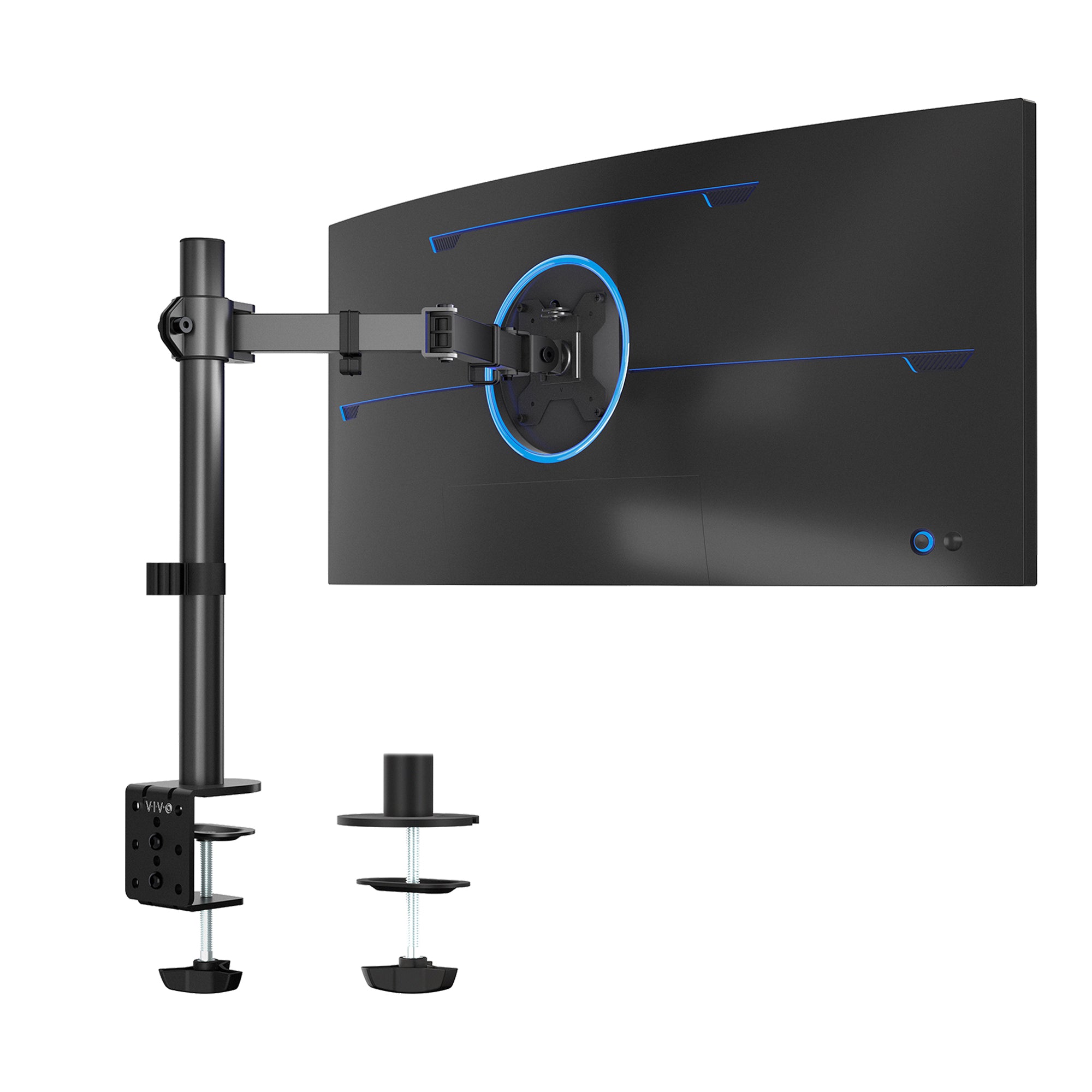 VIVO STAND-V001 Single Monitor Desk Mount, Black | 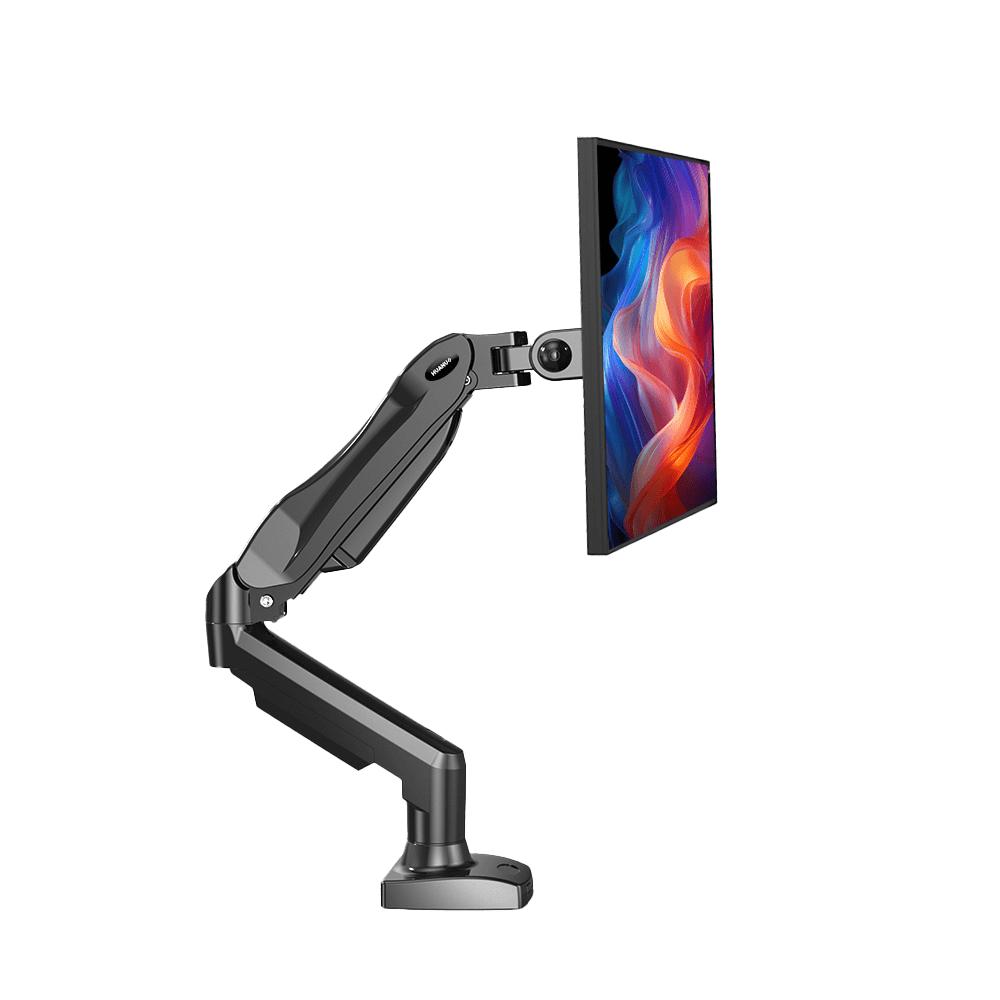 HUANUO HNSS6 Single Monitor Mount, Black | 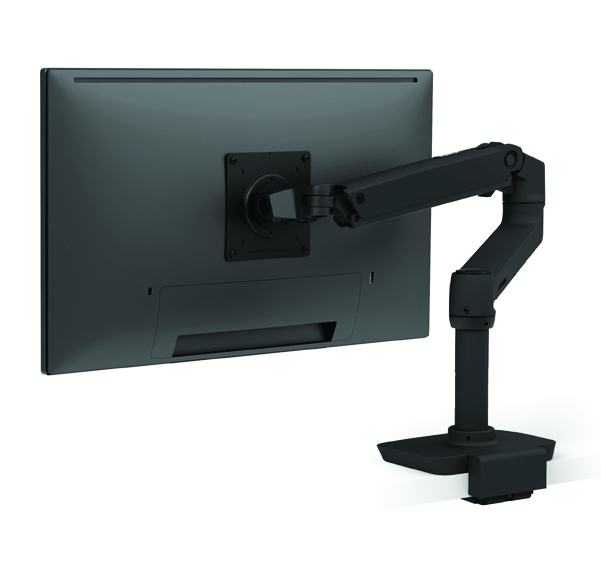 Ergotron LX Desk Monitor Arm, matte black |
|---|---|---|---|---|---|---|
| Consider it for | A narrow keyboard-and-mouse zone | More mouse width at the same 300 mm depth | A deliberately broad covered area | Replacing the monitor base with a mostly fixed pole mount | Moving a compatible screen on a spring arm | A screen needing the higher listed load range |
| Check first | 620 mm width against your keyboard | 700 mm clear width | 900 × 380 mm without crowding writing | 22 lb maximum; clamp revision and desktop | 4.4–19.8 lb and 15–90 mm desktop | 7–25 lb and the standard clamp’s 10–60 mm range |
Leave the next task ready
A useful desk arrangement lets you switch tasks without finding a new home for every object. Mark a writing area, a typing area and the spot where a drink can sit away from electronics. Then decide which existing item occupies the wrong area. That makes a mount, mat or simple rearrangement a response to a particular problem instead of another object to accommodate.
- Three desk mats: compact felt, fabric, or a wider PU surface
- Three monitor arms: compare the clamp and the load before buying
Sources for these notes
- Logitech: Studio Series desk mat dimensions
- Logitech: Studio Series desk mat US product listing
- Ergotron LX Desk Monitor Arm, 45-241-224
- Ergotron LX Desk Monitor Arm product sheet
- Orbitkey: current Desk Mat, Standard and Large specifications
- Oakywood: Felt&Cork Desk Mat sizes and materials
- VIVO: STAND-V001 single monitor desk mount
- VIVO: STAND-V001/STAND-V001W assembly manual Rev3.1, January 17 2025
- HUANUO: HNSS6 single monitor mount, current manufacturer listing
- HUANUO: HNSS6/HNSS6W installation manual Rev06, March 15 2024
Need a place to write? Start with the narrower options
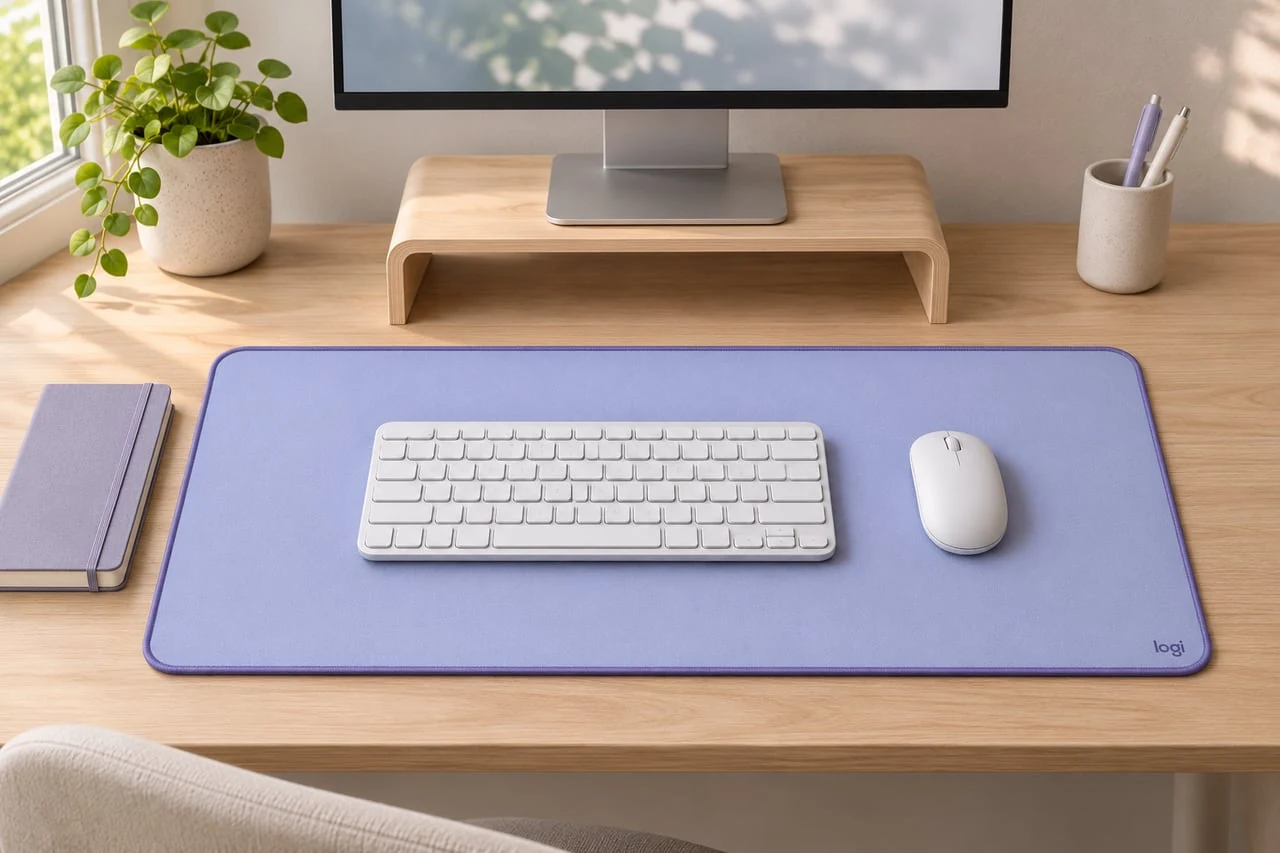
Compare Oakywood Medium with Logitech Studio Series before adding anything else. They share a 300 mm depth, while the narrower Oakywood leaves more desk exposed beside it. Lay out your open notebook and keyboard together. If moving the keyboard once makes room for writing, you may not need a larger accessory or another storage shelf.
Running out of mouse room? Try the larger rectangle
Orbitkey Large offers more covered width and depth than either of the smaller mats. That matters only if the desk has room for the whole rectangle. Mark its edge with paper and check the lamp, monitor base and notebook before buying. A mat organizes a surface visually; it does not create additional desktop area.
Is the monitor base the obstacle? Compare mounts instead
A mount addresses a different problem from a mat. VIVO’s pole design is one option for a position you do not often change; HUANUO supplies a spring arm, while the specified Ergotron LX supports a higher listed monitor load. Choose among them using the screen’s weight and VESA pattern, then the exact desk attachment.
Buy for the task that actually fails
Try typing, writing and joining a call with the current setup. Note the one item you repeatedly have to move and where it would go instead. Keep that problem as the purchase criterion. If none of the six options solves it without causing another obstruction, rearranging what you already own may be the better next step.
Sources
- Ergotron LX Desk Monitor Arm product sheetChecked November 15, 2026
- Oakywood: Felt&Cork Desk Mat sizes and materialsChecked November 15, 2026
- Logitech: Studio Series desk mat dimensionsChecked November 15, 2026
- Logitech: Studio Series desk mat US product listingChecked November 15, 2026
- Orbitkey: current Desk Mat, Standard and Large specificationsChecked November 15, 2026
- VIVO: STAND-V001 single monitor desk mountChecked November 15, 2026
- VIVO: STAND-V001/STAND-V001W assembly manual Rev3.1, January 17 2025Checked November 15, 2026
- HUANUO: HNSS6 single monitor mount, current manufacturer listingChecked November 15, 2026
- HUANUO: HNSS6/HNSS6W installation manual Rev06, March 15 2024Checked November 15, 2026
- Ergotron LX Desk Monitor Arm, 45-241-224Checked November 15, 2026